



Does cheap gaming pc need WiFi 6?
Building or buying a gaming computer on a limited budget requires careful planning. Every component matters, from the processor and graphics card to the storage drive and internet connection. While gamers often focus on improving frame rates and graphics quality, networking is another important factor that can affect the overall experience. This raises a common question: does a budget gaming computer really need the latest wireless technology?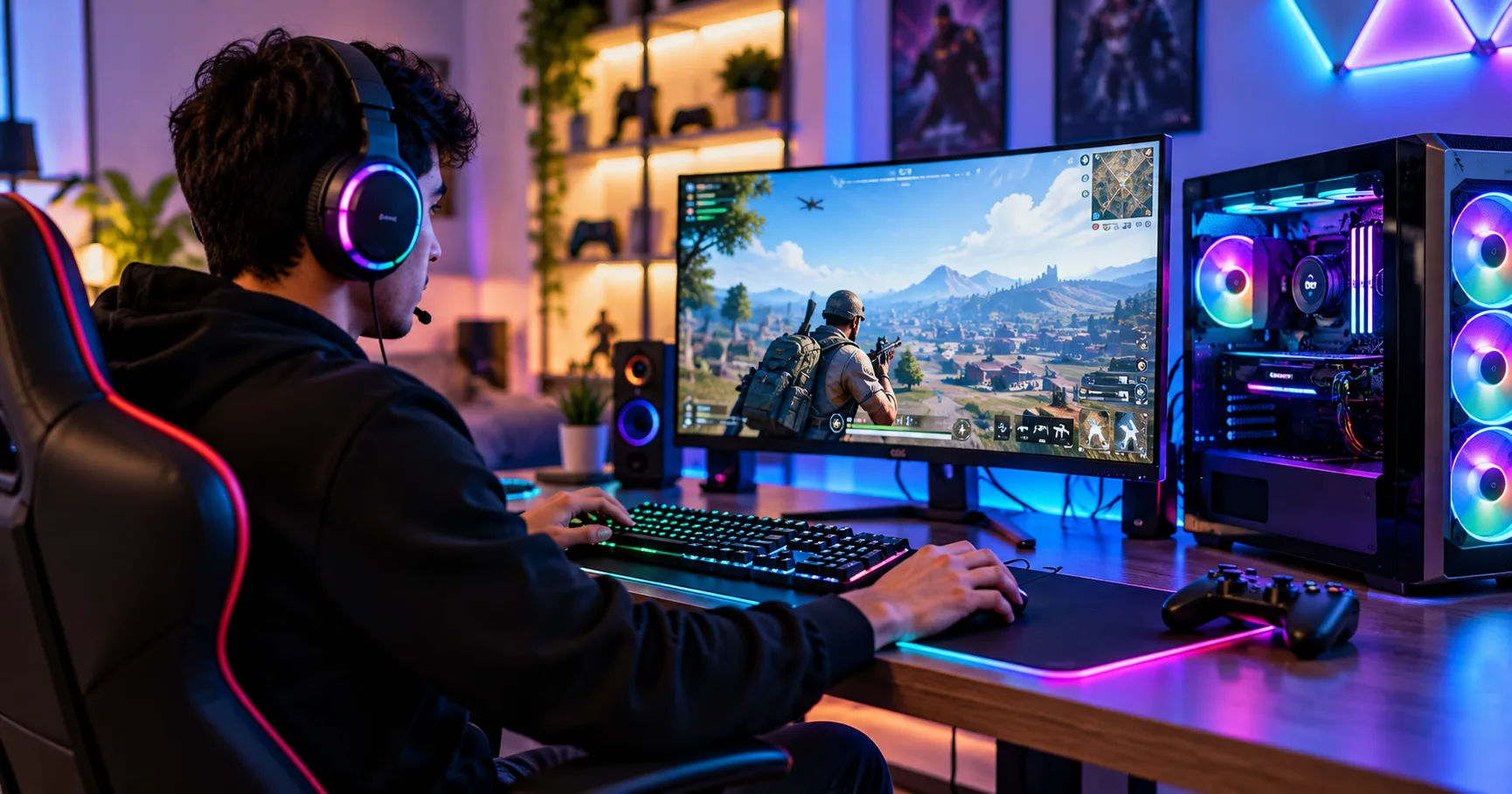
A reliable internet connection can make online gaming smoother, especially when playing competitive multiplayer games. However, not every player needs the most advanced networking hardware. Some gamers prefer wired Ethernet, while others rely on wireless connections because their computers are far from the router. Understanding the available options can help you spend your money wisely.
If you are building a cheap gaming pc, choosing the right wireless technology depends on your internet speed, router capabilities, gaming habits, and home network environment. Wi-Fi 6 offers several improvements over older wireless standards, but these benefits do not automatically make it necessary for every budget gaming setup. The best choice is the one that provides reliable performance without taking money away from components that matter more to your gaming experience.
Wi-Fi 6 Technology
Wi-Fi 6 is a wireless networking standard officially known as IEEE 802.11ax. It was developed to improve wireless performance, especially in environments where many devices connect to the same network.
Compared with older standards, Wi-Fi 6 can manage connected devices more efficiently, reduce congestion under suitable conditions, and provide higher potential speeds. These improvements can benefit households where several people stream videos, attend online meetings, download files, and play games simultaneously.
However, Wi-Fi 6 is not a magic solution for every internet problem. Its actual performance depends on the router, the computer's wireless adapter, signal strength, distance, interference, and internet service.
How Wi-Fi 6 Works
Traditional wireless networks share radio channels among connected devices. When many devices compete for network resources, congestion can affect performance.
Wi-Fi 6 uses technologies such as Orthogonal Frequency Division Multiple Access, commonly called OFDMA, to divide wireless channel resources more efficiently among multiple devices. It also supports improvements in multi-user multiple-input multiple-output technology, or MU-MIMO, which can help compatible devices communicate more efficiently.
Another feature is Target Wake Time, which allows compatible devices to coordinate when they communicate with the router. This feature is particularly useful for managing power consumption on supported devices.
For gaming, these improvements can help create a more consistent network experience in busy households. Nevertheless, they do not guarantee lower ping in every situation.
Wi-Fi 6 Versus Older Wi-Fi Standards
Older standards, including Wi-Fi 5, can still provide excellent gaming performance. Wi-Fi 5 uses the IEEE 802.11ac standard and is widely available in computers and routers.
Wi-Fi 6 generally offers better efficiency in crowded networks and can deliver higher speeds under suitable conditions. However, a strong Wi-Fi 5 connection may perform better than a weak Wi-Fi 6 connection.
For example, a computer connected to a nearby Wi-Fi 5 router may experience fewer interruptions than a computer using Wi-Fi 6 from a router located several rooms away.
The wireless generation matters, but signal quality and network conditions matter too.
Does a Cheap Gaming PC Really Need Wi-Fi 6?
The short answer is no. A gaming computer does not need Wi-Fi 6 to run modern games, connect to multiplayer servers, or download games from digital stores.
A computer with Wi-Fi 5 can still provide a good online gaming experience when the signal is strong and the network is stable. In some situations, a wired Ethernet connection is even better than either wireless option.
However, Wi-Fi 6 can be a valuable feature if you regularly share your internet connection with other people or have many connected devices at home.
When Wi-Fi 6 Is Worth Having
Wi-Fi 6 is worth considering if your home network frequently experiences congestion. For example, someone in your household might be streaming a high-resolution video while another person downloads a large game and you play an online match.
In these circumstances, Wi-Fi 6 can help compatible devices share wireless resources more efficiently. Its advantages are particularly relevant in busy homes and environments with numerous active connections.
It is also useful if your internet plan offers higher speeds than your existing wireless equipment can reliably deliver.
If you want to download games quickly, stream gameplay, and use voice chat simultaneously, a capable wireless connection can make everyday computer use more convenient.
When Wi-Fi 6 Is Not Necessary
Wi-Fi 6 may not be worth paying extra for if you mainly play single-player games.
Many single-player games work entirely offline after installation. In these cases, your wireless networking standard has little or no effect on gameplay performance.
Even online games do not necessarily require extremely high internet speeds. Competitive multiplayer games often exchange relatively small amounts of gameplay data, making connection stability and latency more important than maximum download speed.
If your existing Wi-Fi 5 connection provides stable performance, there may be little reason to upgrade immediately.
For a cheap gaming pc, investing in a better graphics card, additional memory, or a suitable solid-state drive may offer more noticeable improvements than paying extra for a newer wireless standard.
How Wi-Fi 6 Affects Online Gaming Performance
To decide whether Wi-Fi 6 is useful, you need to understand the networking factors that affect gaming.
The most important considerations include latency, jitter, packet loss, and bandwidth. These terms describe different aspects of your connection.
Understanding Ping and Latency
Latency measures how long it takes data to travel between your computer and a destination. In online gaming, ping usually refers to the round-trip time between your computer and the game server, measured in milliseconds.
Lower ping generally means a more responsive online experience.
For example, a ping of 25 milliseconds will usually feel more responsive than a ping of 120 milliseconds, assuming other conditions are similar.
Wi-Fi 6 can help reduce delays caused by wireless network congestion in suitable environments. However, it cannot eliminate delays caused by distant game servers, inefficient internet routing, or problems with your internet provider.
If your ping is high because the game server is far away, upgrading your wireless adapter may not solve the problem.
What Is Jitter?
Jitter describes variations in latency over time.
Imagine your game normally operates at 30 milliseconds of ping. Suddenly, the ping jumps to 90 milliseconds and then returns to 30 milliseconds.
These inconsistent delays can make gameplay feel unpredictable.
In a competitive shooter, racing game, or fighting game, sudden changes in connection quality can interfere with precise actions.
Wi-Fi 6 may help reduce some network congestion, but wireless interference and poor signal strength can still cause jitter.
A strong wireless signal, a well-positioned router, and reduced network congestion are important regardless of the Wi-Fi generation.
Understanding Packet Loss
Packet loss occurs when some data packets fail to reach their destination.
During online gaming, packet loss can cause characters to move unexpectedly, actions to register late, or temporary interruptions in gameplay.
Wi-Fi 6 does not automatically eliminate packet loss. Problems can originate from wireless interference, faulty equipment, network congestion, or issues elsewhere along the internet connection.
If packet loss occurs regularly, investigate the source before purchasing new hardware.
A wired Ethernet connection can help determine whether wireless interference is contributing to the problem.
Does Faster Wi-Fi Mean Better Gaming?
Not necessarily.
Wi-Fi speed measures how quickly data can move through a connection under particular conditions. Gaming responsiveness depends on more than raw speed.
For example, a 300 Mbps connection with stable latency can provide an excellent multiplayer experience. A much faster connection that experiences frequent interruptions may feel worse.
This is why you should evaluate connection quality rather than purchasing networking equipment based on speed claims alone.
Wi-Fi 6 offers useful improvements, but it cannot guarantee better ping in every home or gaming situation.
Wi-Fi 6 Versus Ethernet for Budget Gaming Computers
If your computer stays in one location, Ethernet deserves serious consideration.
Ethernet connects your computer directly to your router or another network device using a cable. It avoids the wireless connection between your computer and router, reducing exposure to wireless interference and competition for wireless airtime.
For many stationary gaming setups, this makes Ethernet the preferred choice.
Advantages of Ethernet
A wired connection offers several practical benefits.
-
Consistent performance: Ethernet is generally less affected by nearby wireless networks and radio interference.
-
Stable latency: Removing the wireless link can reduce local connection variability.
-
No wireless adapter required: Many desktop motherboards already include an Ethernet port.
-
Reliable downloads: A suitable Ethernet connection can deliver fast, consistent downloads when the internet service and network equipment support them.
However, Ethernet does not guarantee the lowest possible internet ping under every circumstance. Server distance, internet routing, and congestion can still affect your connection.
When Wi-Fi Is More Convenient
Ethernet is not practical for every household.
Your computer might be upstairs while the router is downstairs. Running a long cable through walls or across rooms may be inconvenient or unsafe.
In such situations, Wi-Fi offers flexibility without requiring additional cabling.
A Wi-Fi 6 adapter can be a good option if your router supports the standard and your computer receives a strong signal.
If you have an older router, though, upgrading the computer's wireless adapter alone will not provide all the benefits of Wi-Fi 6.
The practical recommendation is simple: choose Ethernet when a suitable cable connection is convenient. Otherwise, a reliable wireless connection is a perfectly reasonable alternative for many gamers.
What Hardware Does a Cheap Gaming PC Need for Wi-Fi 6?
Not every desktop computer includes built-in wireless networking.
Before purchasing a computer or upgrading an existing system, check its specifications carefully.
Motherboard With Built-In Wi-Fi 6
Some motherboards include Wi-Fi 6 support, integrated wireless hardware, and external antennas.
This arrangement can be convenient because you do not need to purchase a separate wireless adapter.
However, built-in Wi-Fi is not standard on every motherboard. Two motherboards designed for the same processor may have different networking features.
Check the exact model rather than assuming that a newer motherboard includes wireless connectivity.
PCIe Wi-Fi 6 Adapter
A PCIe wireless adapter is an expansion card that fits into a compatible slot on your desktop motherboard.
Many models provide Wi-Fi 6 connectivity and Bluetooth support. Some include external antennas that can be positioned to improve reception.
This can be a sensible upgrade if your computer lacks wireless networking.
Before buying one, verify that your motherboard has an available compatible slot and that your case has sufficient clearance.
You should also check operating system compatibility, antenna requirements, and whether the adapter includes the Bluetooth connections you need.
USB Wi-Fi Adapter
A USB wireless adapter is another option.
It connects through a USB port and can be easier to install than an internal expansion card.
However, USB adapters vary considerably in performance, antenna design, and supported standards. Do not assume that every inexpensive adapter supports Wi-Fi 6.
If you choose a USB adapter, check the specifications and independent reviews before purchasing.
Do You Need a New Router?
To benefit from Wi-Fi 6 features, your computer and router must both support Wi-Fi 6.
A Wi-Fi 6 computer can connect to an older compatible wireless network, but it will operate using the capabilities available from that network.
Likewise, a Wi-Fi 6 router cannot give an older wireless adapter all the capabilities of a Wi-Fi 6 connection.
If your current router works well, you do not necessarily need to replace it simply because you purchased a new computer.
Check whether your existing network is actually limiting performance before spending money on an upgrade.
How to Improve Wi-Fi Performance Without Spending Much
You can often improve your gaming connection without purchasing expensive networking hardware.
These practical steps are worth trying before upgrading.
Position Your Router Carefully
Router placement has a significant effect on wireless performance.
Whenever possible, place the router in an open, elevated location rather than inside a cabinet or behind large objects.
Try to minimize the number of walls between the router and your computer.
Thick walls, metal objects, and other obstacles can weaken wireless signals.
If your router is currently placed at the opposite end of your home, repositioning it may improve performance more than buying a new adapter.
Use the Appropriate Wi-Fi Band
Many routers support both 2.4 GHz and 5 GHz wireless bands.
The 2.4 GHz band often provides better coverage through obstacles, although it can experience more interference and congestion.
The 5 GHz band can offer higher speeds and may provide a cleaner connection, but its signal generally weakens more quickly through walls.
Choose the band that provides the most stable connection in your particular room.
Do not automatically assume that one band will always be better. Your surroundings and router placement matter.
Reduce Unnecessary Network Traffic
Large downloads and uploads can compete with gaming traffic for available internet bandwidth.
If someone is downloading a massive game update while you are playing competitively, you may experience increased latency.
Schedule large downloads for another time when possible.
If your router supports suitable Quality of Service settings or Smart Queue Management, these features may also help manage congestion when configured correctly.
However, they cannot compensate for every network problem. Identify the actual bottleneck before relying on router settings.
Update Drivers and Router Firmware
Outdated wireless drivers can sometimes cause connection problems or reduce compatibility.
Check the computer or wireless adapter manufacturer's support resources for appropriate driver updates.
You should also keep your router firmware updated according to the manufacturer's instructions.
Updates may address bugs, improve compatibility, and correct security vulnerabilities.
Avoid downloading drivers from unfamiliar websites. Use trusted manufacturer resources whenever possible.
Test Your Connection Before Upgrading
Play an online game and observe your ping, connection stability, and any packet loss indicators.
If possible, compare wireless performance with Ethernet.
If the wired connection is consistently better, your wireless link may be contributing to the problem.
If both connections experience similar problems, investigate your internet service, router load, or the game server instead.
This simple comparison can help you avoid spending money on hardware that will not solve the underlying issue.
Is Wi-Fi 6 Worth the Extra Cost in 2026?
For many buyers, Wi-Fi 6 is a useful feature rather than an essential requirement.
Its value depends on the price difference, the rest of your computer's specifications, and your home networking needs.
Prioritize Gaming Performance First
When choosing a budget gaming computer, start by examining the processor, graphics card, memory, storage, and power supply.
These components have a direct effect on gaming performance, system responsiveness, and upgrade potential.
For example, spending extra on a significantly better graphics card may improve frame rates more noticeably than upgrading from Wi-Fi 5 to Wi-Fi 6.
Similarly, sufficient memory and an SSD can make everyday use and game loading more convenient.
If two computers have similar prices and specifications, choosing the one with Wi-Fi 6 can be a sensible decision. It provides a newer wireless standard without requiring you to sacrifice other important features.
However, do not choose a substantially weaker gaming computer just because it includes newer networking hardware.
Consider Your Home Internet Setup
Think about how you actually use your internet connection.
If you live alone, use a nearby router, and play a few online games, Wi-Fi 5 may be perfectly adequate.
If several people in your household stream videos, download files, make video calls, and play games simultaneously, Wi-Fi 6 may offer more noticeable benefits.
The difference will depend on the router, connected devices, wireless interference, and network load.
Think About Future Upgrades
Wi-Fi 6 can also make sense if you intend to keep your computer for several years.
It provides compatibility with a widely used wireless standard and can be useful when paired with an appropriate router.
However, you do not need to upgrade every part of your network immediately.
If your existing setup works well, you can continue using it and upgrade later when your needs change.
The best purchasing decision balances current requirements, future plans, and available money.
Conclusion
So, does a cheap gaming pc need Wi-Fi 6? No, it does not. A budget gaming computer can run modern games and provide an enjoyable online experience with Wi-Fi 5 or a suitable Ethernet connection.
Wi-Fi 6 becomes more attractive when you have a busy home network, several active devices, demanding internet usage, or a compatible router that can take advantage of its improved wireless efficiency.
However, newer wireless technology does not automatically mean lower ping, zero lag, or better gaming performance. Signal strength, network congestion, internet routing, and connection stability remain important factors.
If your budget is limited, prioritize the graphics card, processor, memory, and storage before spending extra on advanced wireless features. These components generally have a more direct effect on how games perform.
If you already own a capable computer with Wi-Fi 5, there is usually no urgent reason to upgrade unless you are experiencing problems or need faster wireless connectivity.
If you are buying a new system, Wi-Fi 6 is a useful bonus when the price is reasonable. If your motherboard already includes it, enjoy the added flexibility. If it does not, you can always add a compatible adapter later.
Ultimately, the smartest approach is to choose networking hardware based on your actual needs rather than marketing claims. A well-balanced cheap gaming pc with a stable internet connection will usually provide a better overall experience than a weaker system purchased solely for its wireless features.